
Nearly every GA4 property I audit was migrated, not configured. The data flows, the dashboards fill up, and everyone assumes the numbers mean something. Often they don’t — yet.
The danger isn’t messy reports. It’s that Google Ads smart bidding, your budget decisions and your monthly reviews all lean on those numbers. If the conversion data is wrong, every decision built on it is wrong too — confidently.
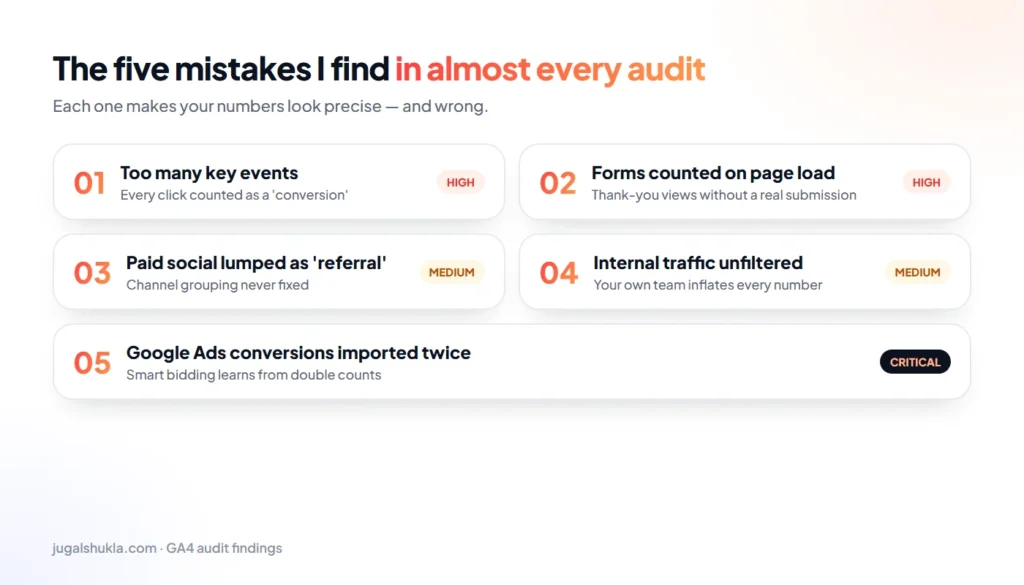
The five mistakes I find in almost every audit
1. Too many key events
When scrolls, clicks, file downloads and form starts are all marked as key events (conversions), nothing stands out. Your “conversion rate” looks healthy, but it no longer tells you which campaigns produce leads or sales. Most businesses need two or three key events, not ten.
2. Form submissions counted on page load
A classic: the “lead” fires whenever someone views the thank-you page — including refreshes, bookmarks and people who arrive there by accident. Leads should fire on a genuine, successful submission.
3. Paid social lumped in as “referral”
If your UTM parameters and channel groupings were never fixed, traffic from Facebook, Instagram and LinkedIn ads often lands in “referral” or “unassigned”. Paid social then looks worthless in reports while it quietly drives your pipeline.
4. Internal traffic left unfiltered
Your team, your agency and your developers visit the site every day. Without an internal traffic filter, they inflate sessions, distort engagement and can even trigger conversion events while testing forms.
5. Google Ads conversions imported twice
This is the costly one. When conversions are tracked by both the Google Ads tag and a GA4 import, every lead can be counted twice. Smart bidding then learns from inflated numbers and spends more on the wrong searches.
What a messy setup looks like
Open Admin → Key events in GA4 and count. If you see a long list of events marked as key events, or two events that clearly represent the same action, you’ve found the problem.
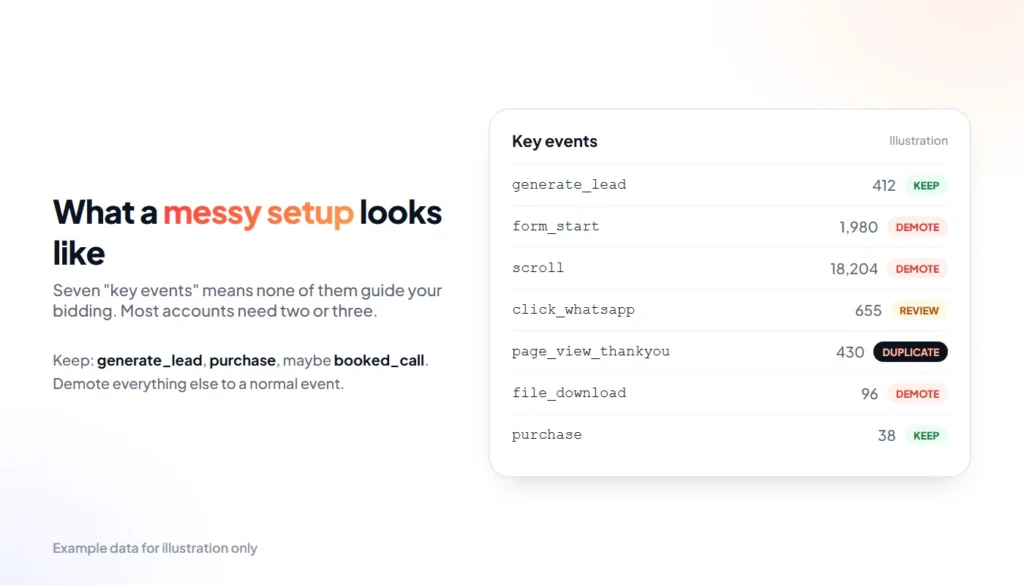
- Keep: genuine outcomes such as generate_lead, purchase or booked_call.
- Demote: engagement signals such as scroll, form_start and file_download — useful as normal events, not as conversions.
- Remove duplicates: if two events describe the same action, keep the one that fires on success.
The order I fix it in
Sequence matters. Fixing bidding before tracking just teaches the algorithm the wrong lesson faster. This is the order I follow on every account:
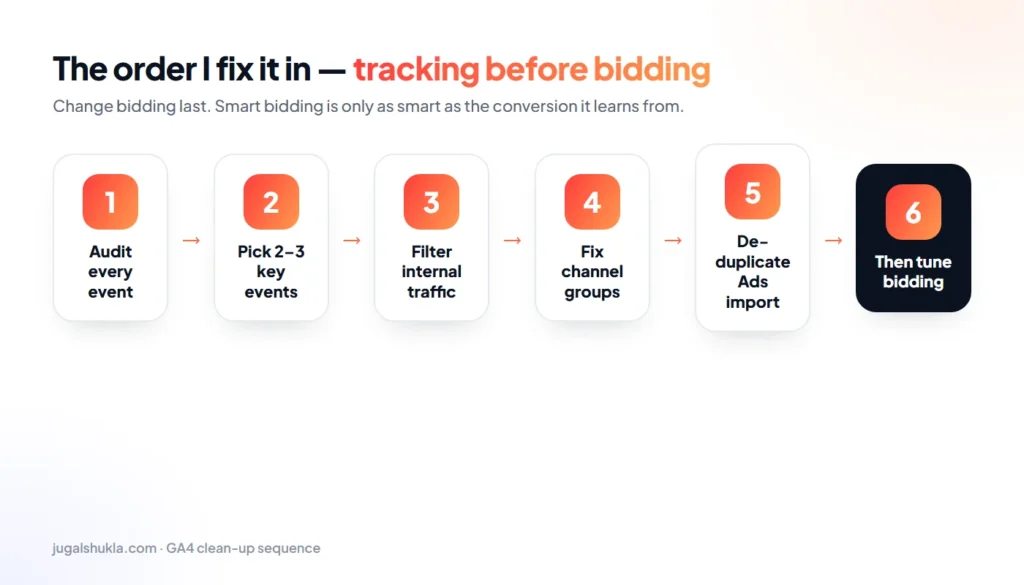
- Audit every event — what fires, when, and how often.
- Pick two or three key events that represent real business outcomes.
- Filter internal traffic and developer activity.
- Fix channel groupings and UTM conventions so paid social is reported correctly.
- De-duplicate the Google Ads import so each conversion is counted once.
- Only then tune bidding — and give it a few weeks of clean data to relearn.
Fix tracking before you touch bidding
Smart bidding optimised against a wrong conversion will confidently spend your budget in the wrong direction. A couple of days fixing GA4 and Google Tag Manager usually does more for your cost per lead than weeks of bid tweaks.
If you’re not sure your numbers can be trusted, start with an audit. I’ll show you what’s firing, what’s double-counted and what to fix first — in plain English.